Multiple WhatsApp Accounts
Manage Multiple WhatsApp Business Accounts from One Central Dashboard
As your business grows, managing customer conversations across different WhatsApp Business numbers becomes more challenging. Sales teams, support teams, branch offices, and different business units often need their own dedicated numbers.

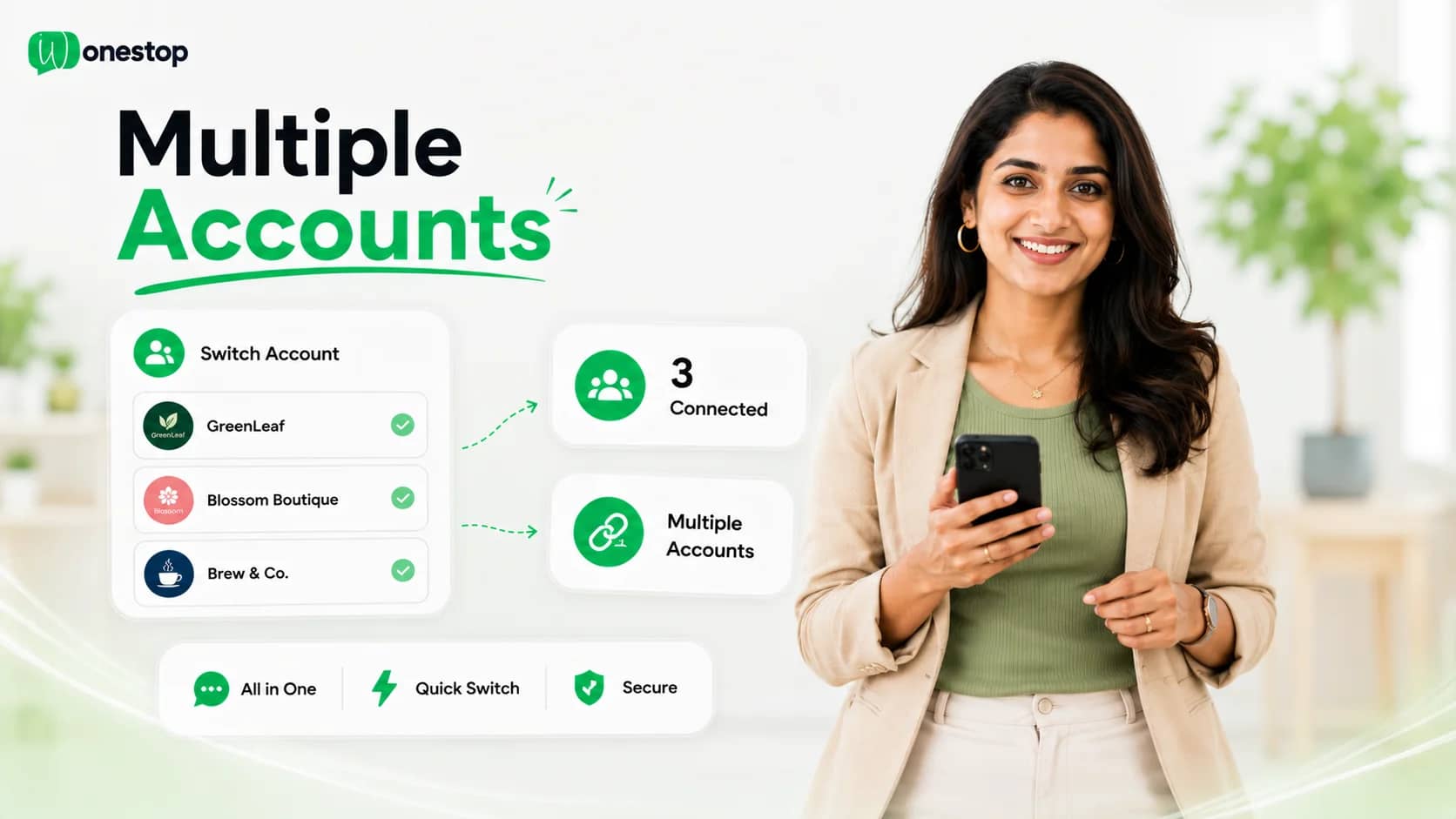
Wonestop lets you connect and manage multiple WhatsApp Business accounts from one centralized dashboard, making it easier to organize business numbers and manage customer communication without switching between multiple devices.
One Platform for Every WhatsApp Business Number
Managing multiple WhatsApp Business accounts shouldn't mean managing multiple devices.
Whether you operate different brands, departments, branch offices, or client accounts, Wonestop helps you organize every connected WhatsApp Business number from one place.
Monitor connected accounts, add new business numbers, and manage everything from a single dashboard designed for business communication.
Retail
+91 98••• ••01
Support
+91 98••• ••02
Wholesale
+91 98••• ••03
Mumbai Branch
+91 98••• ••04
Connect Your WhatsApp Business Account Your Way
Every business has a different setup. Wonestop gives you flexible ways to connect your WhatsApp Business account based on your existing Meta configuration.
Connect Using Embedded Signup
Connect a new or eligible WhatsApp Business account using Meta's embedded signup process directly from Wonestop.
The guided setup helps you connect your business account and start managing conversations from one platform.
Manual WhatsApp Account Connection
Already using the Official WhatsApp Business API? Wonestop also allows businesses to connect their account manually using the required Meta Business details, API configuration, WhatsApp Business Account information, and related configuration details.
This option is suitable for businesses that already have their API setup and want to connect it with Wonestop.
Everything You Can Manage
Multiple WhatsApp Business Accounts
Manage multiple connected WhatsApp Business numbers from one centralized dashboard.
Organized Business Numbers
Keep different WhatsApp numbers organized for various teams, departments, brands, or business operations.
Account Overview
View your connected WhatsApp accounts, business names, phone numbers, and account status from one place.
Easy Account Management
Add new WhatsApp Business accounts whenever your business expands.
Centralized Workspace
Manage all connected WhatsApp Business accounts without relying on multiple devices.
Built for Growing Businesses
Whether you're managing one business today or several tomorrow, Wonestop helps you keep your WhatsApp communication organized.
Who Is It Built For?
Businesses with Multiple Branches
Manage separate WhatsApp Business numbers for different office locations.
Multiple Brands
Keep customer communication organized across different brands while managing everything from one platform.
Sales & Support Teams
Assign dedicated WhatsApp Business numbers to different teams based on business needs.
Agencies
Manage multiple client WhatsApp Business accounts from a centralized dashboard.
Growing Businesses
Easily add more WhatsApp Business accounts as your communication requirements grow.
Why Choose Wonestop?
Connecting your WhatsApp Business accounts is only the beginning.
Wonestop gives you a centralized workspace to organize your business numbers and manage customer communication more efficiently.
Official Meta WhatsApp Business API
Connect your business using Meta's official messaging platform.
Flexible Connection Options
Choose the setup method that works best for your business.
Centralized Account Management
Access and manage connected WhatsApp Business accounts from one dashboard.
Scalable Platform
Add more WhatsApp Business accounts whenever your business grows.
Dedicated Support
Our team is available to help you connect and configure your WhatsApp Business accounts.
Frequently asked questions
Wonestop allows businesses to connect and manage multiple WhatsApp Business accounts from a single centralized dashboard. This makes it easier to organize business numbers, monitor connected accounts, and manage customer communication without switching between different devices or platforms.
Bring All Your WhatsApp Business Accounts Together
Connect your business numbers, keep customer communication organized, and manage everything from one centralized platform built on the Official Meta WhatsApp Business API.