WhatsApp Team
WhatsApp Team Management for Better Collaboration & Faster Customer Responses
As your business grows, managing customer conversations from a single mobile device becomes inefficient. Sales, customer support, billing, and operations all need access to the same WhatsApp Business account, but sharing phones or login credentials creates delays, confusion, and security risks.
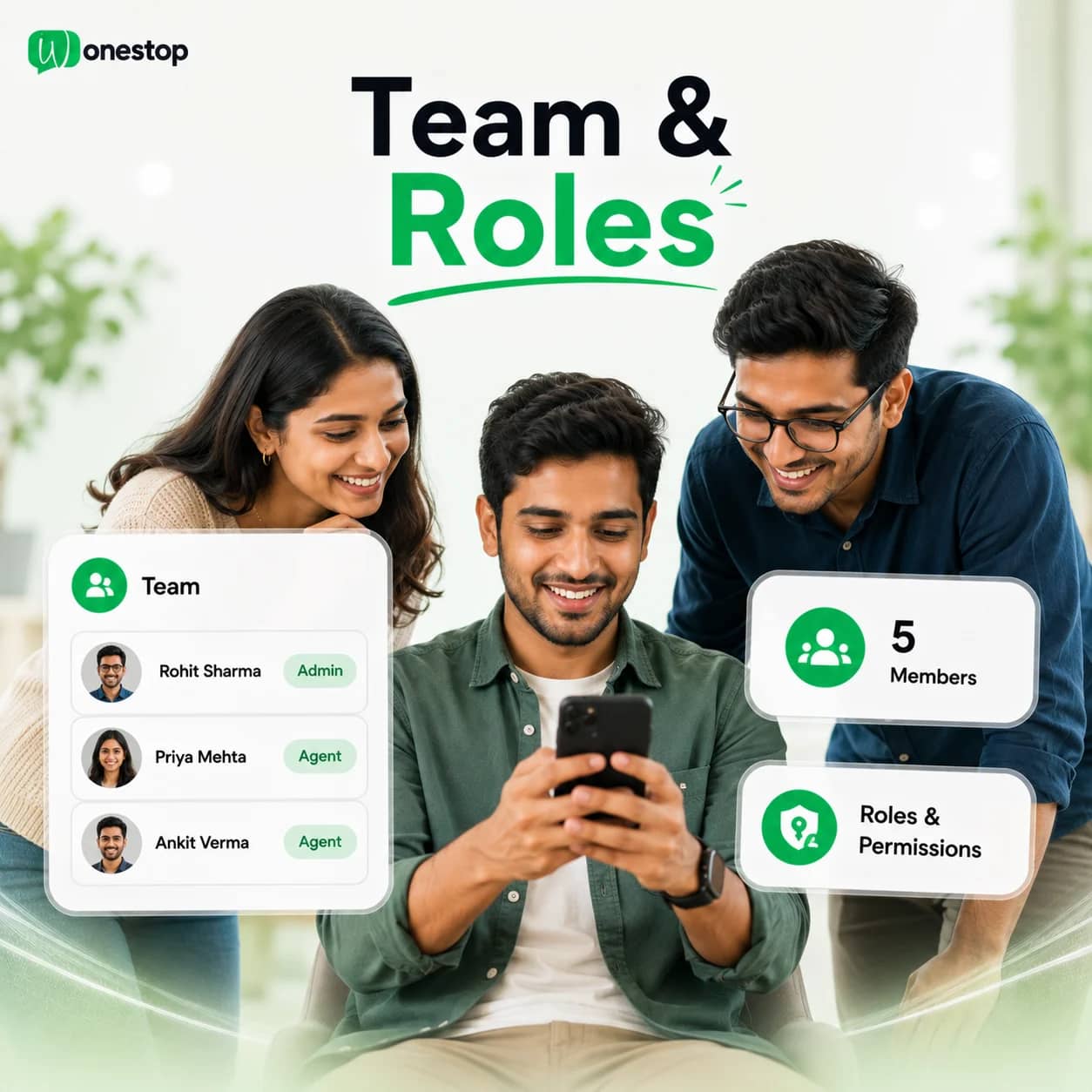
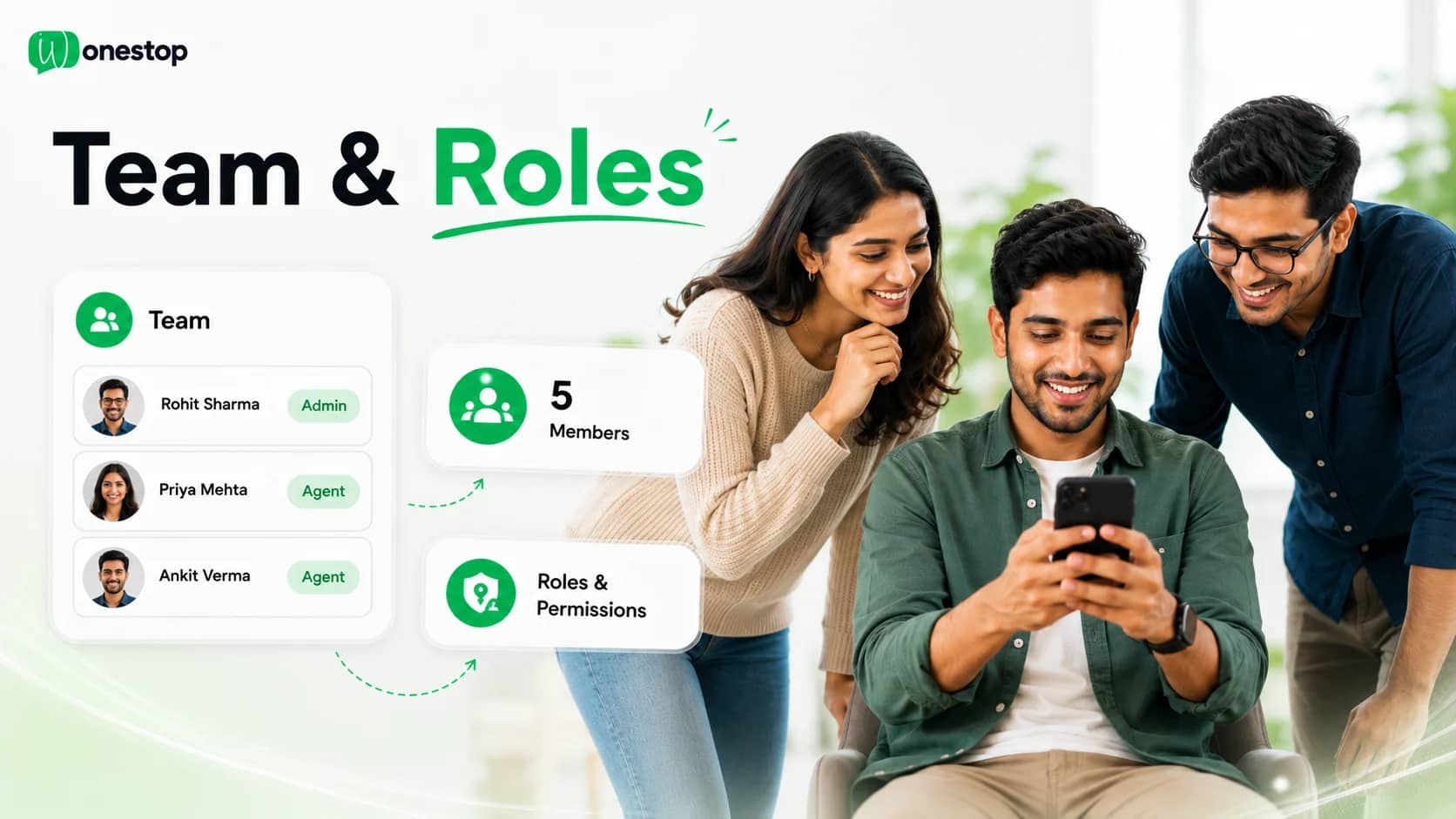
Wonestop enables multiple team members to work from a shared WhatsApp workspace where conversations remain organized, responsibilities are clearly assigned, and customers receive faster responses.
Manage One WhatsApp Business Number with Your Entire Team
Customer conversations shouldn't depend on one employee.
With Wonestop, multiple users can securely access the same WhatsApp Business account simultaneously, allowing every enquiry to reach the right person without switching devices or sharing mobile phones.
Whether your business has five employees or five hundred, your team can collaborate from one centralized platform while maintaining complete visibility into customer conversations.
+91 98203 88810
1 shared business number
Your team
Ananya Rao
Online · 3 chats
Rahul Verma
Online · 5 chats
Meera Iyer
Away · 2 chats
Karan Shah
Online · 1 chat
Everything You Need for Team Collaboration
Shared Team Inbox
Allow multiple team members to view, reply to, and manage customer conversations from a single shared inbox. Every interaction stays organized and accessible to authorized users.
Role-Based User Permissions
Control what each team member can access by assigning permissions based on their responsibilities — broadcasts, contacts, templates, automation, reports, or administrative settings.
Conversation Assignment
Assign conversations to the appropriate sales representative, support agent, or department to ensure every customer receives timely assistance.
Department-Based Collaboration
Create dedicated teams for Sales, Customer Support, Marketing, Billing, HR, Operations, or any other department while managing communication through one WhatsApp Business number.
Internal Team Coordination
Keep customer communication organized by allowing your team to work together from one platform without duplicate replies or missed conversations.
Built for Teams That Handle Customer Conversations Every Day
Whether your business receives dozens or thousands of enquiries, Wonestop helps every team stay aligned.
Common use cases include:
- Sales enquiry management
- Customer support
- Billing assistance
- Order management
- Technical support
- Service requests
- Lead follow-up
- Customer onboarding
Why Businesses Use WhatsApp Team Management
Managing customer conversations through a shared workspace helps businesses:
- Improve team collaboration
- Respond to customers faster
- Eliminate shared mobile devices
- Assign conversations to the right people
- Improve accountability
- Reduce duplicate replies
- Keep customer communication organized
- Scale customer support efficiently
Why Choose Wonestop?
Everything your team needs to collaborate securely on customer conversations — from one connected platform.
Shared WhatsApp Workspace
Manage customer conversations together from one centralized platform.
Secure User Access
Control permissions for every user without sharing login credentials.
Better Team Productivity
Assign conversations, reduce response delays, and help every team member focus on their responsibilities.
Built for Growing Businesses
Whether you're managing a small support team or multiple departments across different locations, Wonestop scales with your business.
Connected with the Wonestop Platform
Team Management works seamlessly with Contacts, Broadcast Campaigns, Automation, Templates, Shared Inbox, WhatsApp Forms, Flows, and Analytics to create one complete customer communication platform.
Dedicated Support
Need help setting up users, roles, or permissions? Our team is ready to help.
Frequently asked questions
Yes. Wonestop allows multiple users to securely access and manage the same WhatsApp Business account from one shared workspace, enabling teams to collaborate without sharing a mobile device.
Ready to grow on WhatsApp?
Book a quick demo and we'll get your business live on the official WhatsApp Business API — fast.