All articles
Blog
WhatsApp Automation for Ecommerce: Order Updates, Abandoned Carts & Support
W
Wonestop Team
Sep 26, 2026 · 8 min read
Wonestop Team
Sep 26, 2026 · 8 min read
Your store may be getting traffic, adding products to carts, and even receiving orders.
But what happens after that?
A customer leaves without checking out.
Another places an order and wants an update.
Someone else has a delivery question and is waiting for your support team to reply.
If all of this depends on someone manually sending messages, following up with abandoned carts, and answering the same questions every day, you are wasting time and probably losing sales too.
This is where WhatsApp automation for e-commerce can make a real difference.
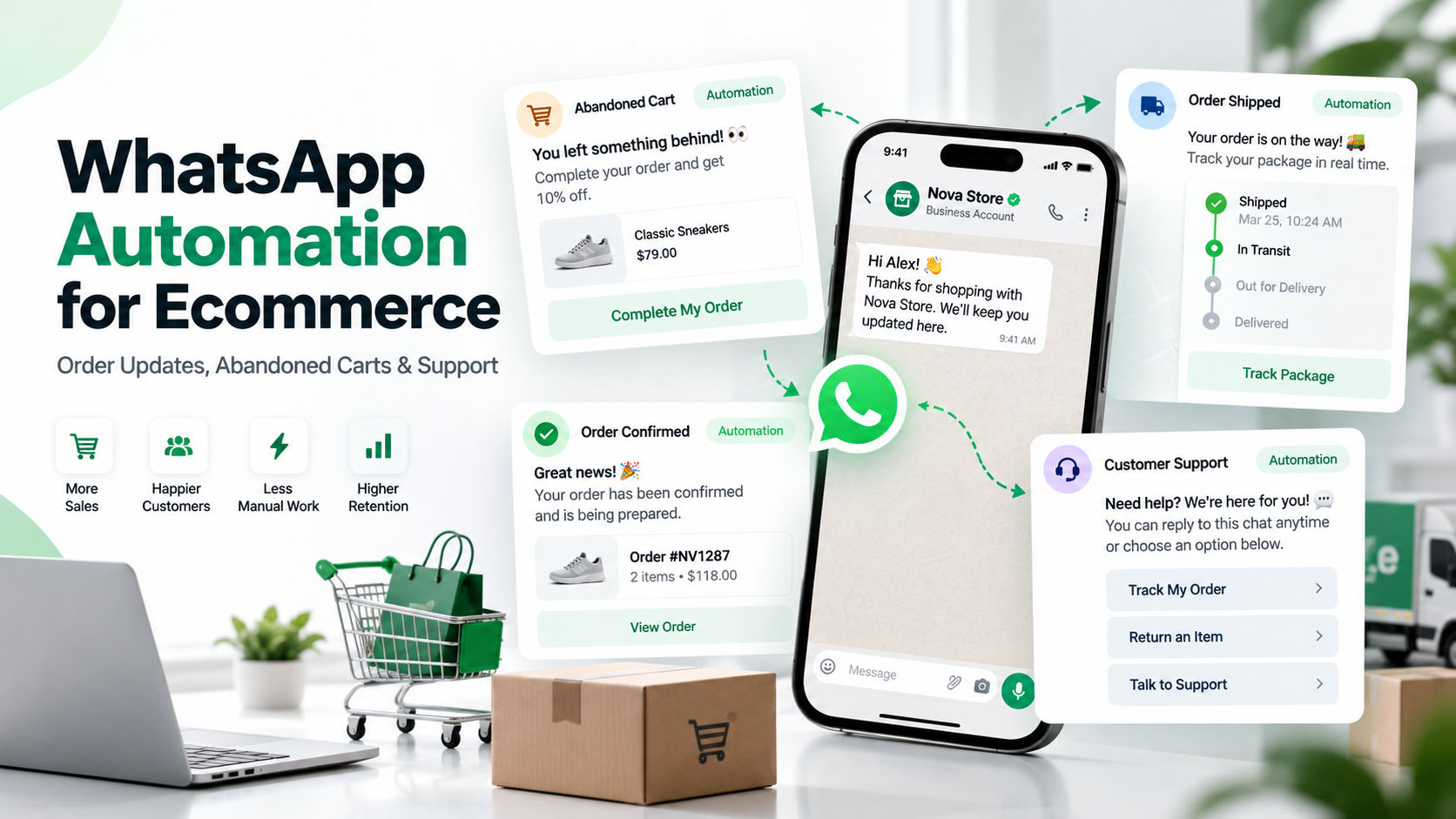
It helps your store automatically send useful messages at the right moment, whether that means reminding someone about an abandoned cart, confirming an order, sharing a shipping update, or helping a customer with a common question.
And the best part?
The customer does not need to download another app, check another inbox, or keep refreshing your website.
They get the update where they are already active: WhatsApp.
In this guide, we will look at how e-commerce brands can use WhatsApp automation across the customer journey, where it actually helps, and how to avoid turning automation into spam.
WhatsApp ecommerce automation connects customer actions or store events with automatic WhatsApp messages and workflows.
For example:
The customer places an order → WhatsApp order confirmation is sent
Order ships → Tracking update is sent
Customer leaves checkout → Abandoned-cart reminder is triggered
Customer asks a common question → Automated support starts
Issue needs a person → Conversation moves to your support team
Platforms using the official WhatsApp Business Platform can connect these workflows with e-commerce stores and business systems.
For example, Wonestop currently supports Shopify and WooCommerce integrations, along with webhooks and a developer API for custom e-commerce setups.
Let’s look at where these automations actually help.
Once somebody pays for an order, they want reassurance.
They shouldn’t have to open your website again or contact support just to confirm that their order went through.
An automated WhatsApp order confirmation can include:
A simple message might look like this:
Hi Riya, your order #1842 has been confirmed. We’ll message you again once it ships.
That’s useful.
No sales pitch. No unnecessary text. Just the information the customer needs.
With Wonestop’s Shopify integration, a new order can trigger a WhatsApp workflow automatically. WooCommerce stores can similarly trigger communication as orders are created, updated, or cancelled.
Explore WhatsApp ecommerce integrations
For many e-commerce brands, the conversation doesn’t end at checkout.
That’s often when the questions begin:
“Has my order shipped?”
“Where is my package?”
“When will it arrive?”
Instead of making customers ask, you can automate important order-status messages.
A typical ecommerce WhatsApp workflow could look like:
Order placed → Payment confirmed → Order shipped → Out for delivery → Delivered
Wonestop’s automation system supports multi-step ecommerce journeys covering order confirmation, payment confirmation, shipping updates, delivery and follow-up actions.
This doesn’t just save your team from sending the same update again and again.
It gives customers information before they need to chase you for it.
An order update should answer a question.
For example:
Your order has shipped. Track it here: [link]
is better than filling the message with promotions the customer didn’t ask for.
Cart abandonment is probably one of the most talked-about e-commerce use cases for WhatsApp automation.
And there is a reason.
A customer who reached your cart or checkout already showed buying intent.
But not every abandoned cart means:
“I don’t want this product.”
The customer may have:
An automated WhatsApp cart reminder gives them an easy way back.
Hi Arjun, you left something in your cart. If you’d like to continue, you can complete your order here: [checkout link]. Need help? Just reply to this message.
Notice the last part.
“Need help?”
That’s important.
WhatsApp isn’t just a reminder channel. It is a conversation channel.
Competitors such as Interakt, Wati, Gallabox, and AiSensy also build e-commerce automation around abandoned-cart events, which shows how central this use case has become in WhatsApp e-commerce workflows.
One abandoned cart does not mean the customer wants five reminders.
Start with a sensible sequence, watch customer behavior, and stop the workflow once the purchase is completed.
The aim is to help customers return to their order, not chase them around WhatsApp.
Think about how many times an e-commerce support team answers the same questions:
Where is my order?
Do you offer COD?
What is your return policy?
Can I change my delivery address?
Is this product available?
How do I exchange an item?
Many of these questions don’t need a support agent to manually type the same answer each time.
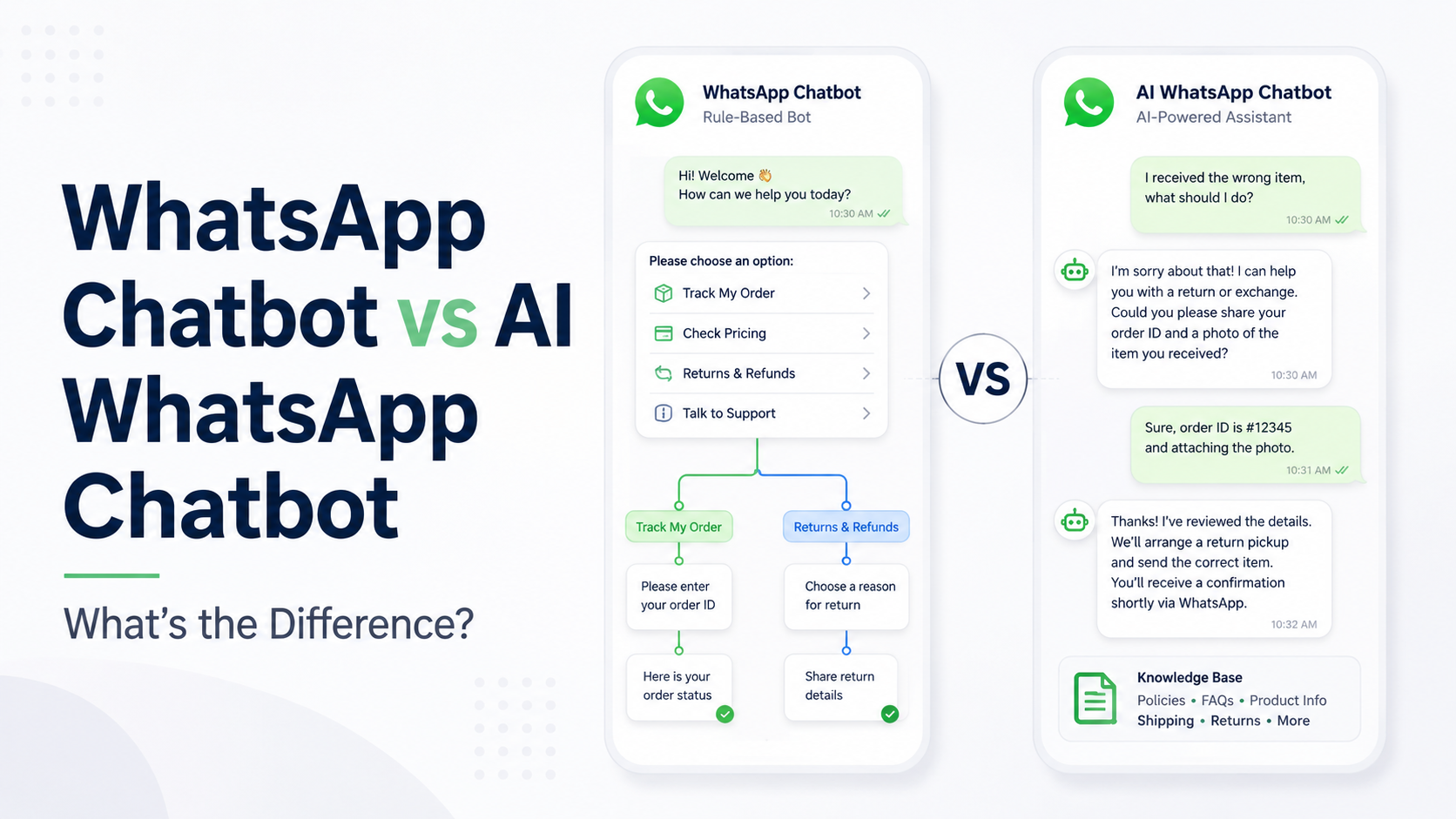
A WhatsApp chatbot or automation workflow can handle common requests first and transfer the customer to a person when necessary.
Wonestop’s AI WhatsApp Chatbot, for example, can handle FAQs, product recommendations, order and service updates, and routine customer-support conversations, with human handover when required.
Learn about AI WhatsApp Chatbot
This matters.
Nobody wants this:
Customer: I received the wrong product.
Bot: Choose one:
If the automation can’t solve the problem, make it easy for the customer to reach a real person.
Good ecommerce automation knows when to stop automating.
Useful automation starts with a trigger.
Something happens in your store.
That event starts the right workflow.
For example:
| E-commerce Event | WhatsApp Automation |
| Order placed | Send confirmation |
| Payment completed | Confirm payment |
| Order shipped | Send tracking details |
| Cart abandoned | Send cart reminder |
| Order delivered | Ask for feedback |
| Customer sends query | Start support workflow |
| Complex support issue | Assign to team member |
This is why your WhatsApp platform needs to work with the systems your e-commerce business already uses.
Wonestop can connect Shopify and WooCommerce directly and can also use incoming webhooks and its Developer API for custom stores, CRMs, forms, and other applications.
See Wonestop’s WhatsApp Automation
Automation doesn’t need to stop when the package reaches the customer.
Post-purchase communication can include:
But timing and relevance matter.
Someone who bought shampoo may appreciate a reorder reminder later.
Someone who bought a television probably doesn’t need a “time to buy again” message next month.
Automation works better when it follows real customer behaviour rather than sending the same sequence to everyone.
You don’t need twenty automations on day one.
Start with the moments that matter most.
Customer asks a question → Automated response → Product information → Human help if needed
Cart abandoned → Helpful reminder → Customer returns to checkout
Order placed → Confirmation → Shipping update → Delivery update
Feedback → Support if required → Relevant future follow-up
That’s already enough to remove a lot of repetitive work from an e-commerce team.
Automation becomes annoying when businesses forget there is a person on the other side.
Avoid these common mistakes:
Also remember that WhatsApp messaging is governed by Meta and WhatsApp’s policies, including rules around business-initiated communication and templates. Wonestop itself operates on the official WhatsApp Business Platform and does not control Meta’s approvals or policies.
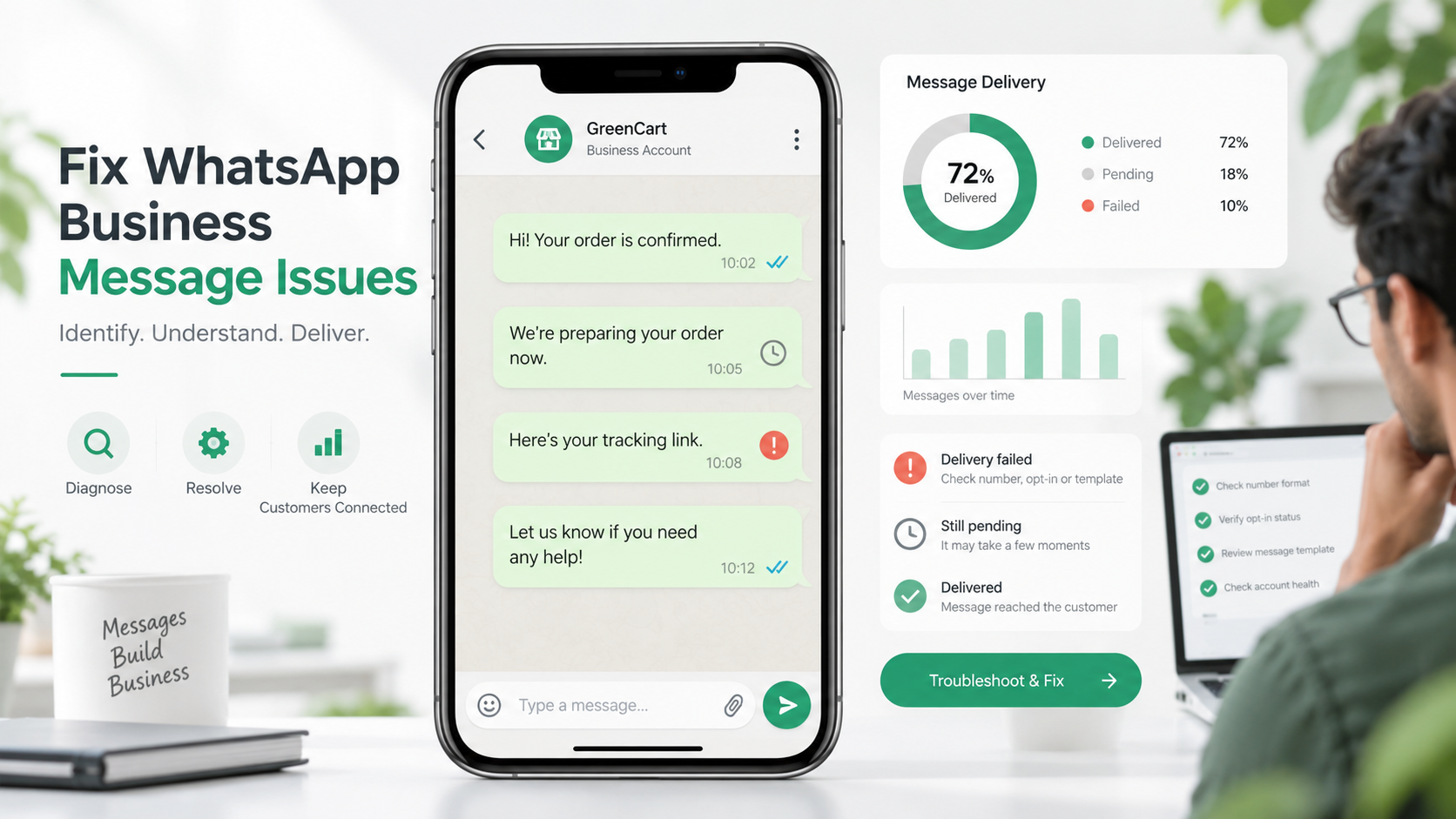
If you’re seeing delivery problems, read our guide on why WhatsApp messages fail to deliver.
For an ecommerce brand, WhatsApp usually touches several teams.
Marketing wants cart recovery.
Operations wants order updates.
Support wants faster replies.
Sales wants customer conversations.
Managing all of that through separate systems can get messy.
Wonestop brings WhatsApp automation, store integrations, customer conversations, templates and team workflows into one platform built on the official WhatsApp Business Platform.
You can connect Shopify or WooCommerce, create trigger-based workflows, automate order communication, manage customer conversations, and connect custom systems using webhooks or APIs.
The point isn’t to remove people from e-commerce.
It’s to stop your team from manually handling tasks that software can take care of.
So when a customer actually needs help, your team has time to help them.
Your customer shouldn’t have to ask:
“Did you receive my order?”
They shouldn’t need to chase you for every shipping update.
And a customer who forgot their cart shouldn’t disappear simply because nobody followed up.
That is where WhatsApp automation for e-commerce makes sense.
Automate the predictable parts.
Keep the messages useful.
And keep humans available when the conversation actually needs one.
If your store uses Shopify, WooCommerce, or a custom e-commerce setup, explore Wonestop’s ecommerce integrations to see how order events, WhatsApp automation and customer conversations can work together.
Yes. When your e-commerce platform is connected with a WhatsApp Business Platform solution, store events such as an order being created or updated can trigger automated WhatsApp workflows.
Book a quick demo and we'll get your business live on the official WhatsApp Business API — fast.